Verified price .com domains $14.99/yr — renews at $18.99. Plus a $0.18 ICANN fee per domain per year.

Website Backup

Updates break things. You're covered.

Automatic daily snapshots of your files and database, stored safely off your server, restorable in a single click. The cheapest insurance you will buy this year.

Plans from $2.99 /month The price for every tier is printed below, renewals included.

  • Files and database
  • Stored off your server
  • Works on any host
A website backup service at work: a desktop showing the business site, translucent dated snapshot layers stacked above it and linked by glowing restore arrows, a secure cloud platform beneath lit in teal, and cards for daily snapshots, one-click restore, secure cloud storage and malware monitoring.
  • Daily SnapshotsEvery file and database, captured automatically.
  • One-Click RestoreBack to a working site in minutes.
  • A Clean Copy to Fall Back OnStored safely until the day you need it.
  • 24/7 Expert SupportReal people, ready to help whenever you need us.

Three sizes

Pay for the storage you need.

All three tiers include the same features — daily backups, malware scanning and one-click restore. Only the storage differs.

5 GB

One small site.

$2.99 / month
  • Automatic daily backups
  • Built-in daily malware scanning
  • Back up a file, folder or database
  • Easy one-click restore
  • Continuous security monitoring
  • Downloads to local storage
  • Secure cloud storage
  • One website per account

50 GB

Large sites and media.

$7.99 / month
  • Automatic daily backups
  • Built-in daily malware scanning
  • Back up a file, folder or database
  • Easy one-click restore
  • Continuous security monitoring
  • Downloads to local storage
  • Secure cloud storage
  • One website per account

Each button above continues to our storefront to complete the purchase. Pricing excludes applicable taxes and ICANN fees. Prices shown are first-term prices; the renewal price is shown on each plan before you pay.

Good to Know:

Check you are not already covered Backups may already be part of what you own. Sites on Website Builder are backed up by the builder itself — and this product cannot be attached to a builder site at all. Managed WordPress Hosting plans include their own snapshots: weekly on Basic, daily on Deluxe and above. Website Security Advanced and Premium already carry 25 GB and 200 GB of secure backup storage. The standalone Website Backup product is mainly intended for sites on cPanel Hosting, where backups are an add-on rather than part of the plan. If more than one of these sounds like you, ask us before buying — we would rather you spent nothing here than paid twice.

A copy that is not on the same server.

Runs every day, automatically

Set it up once and forget it. The snapshot is taken whether or not you remembered to think about it.

Files and database

A backup is only useful if it can be restored. Both halves of a site are captured together.

One-click restore

Roll the whole site back, or pull back a single file, without opening a support ticket.

Stored away from your server

Backups live separately from your hosting, so a compromised or failed server does not take them with it.

Your escape hatch after a hack

If your site is compromised, restore a clean copy and then close the hole that let it in.

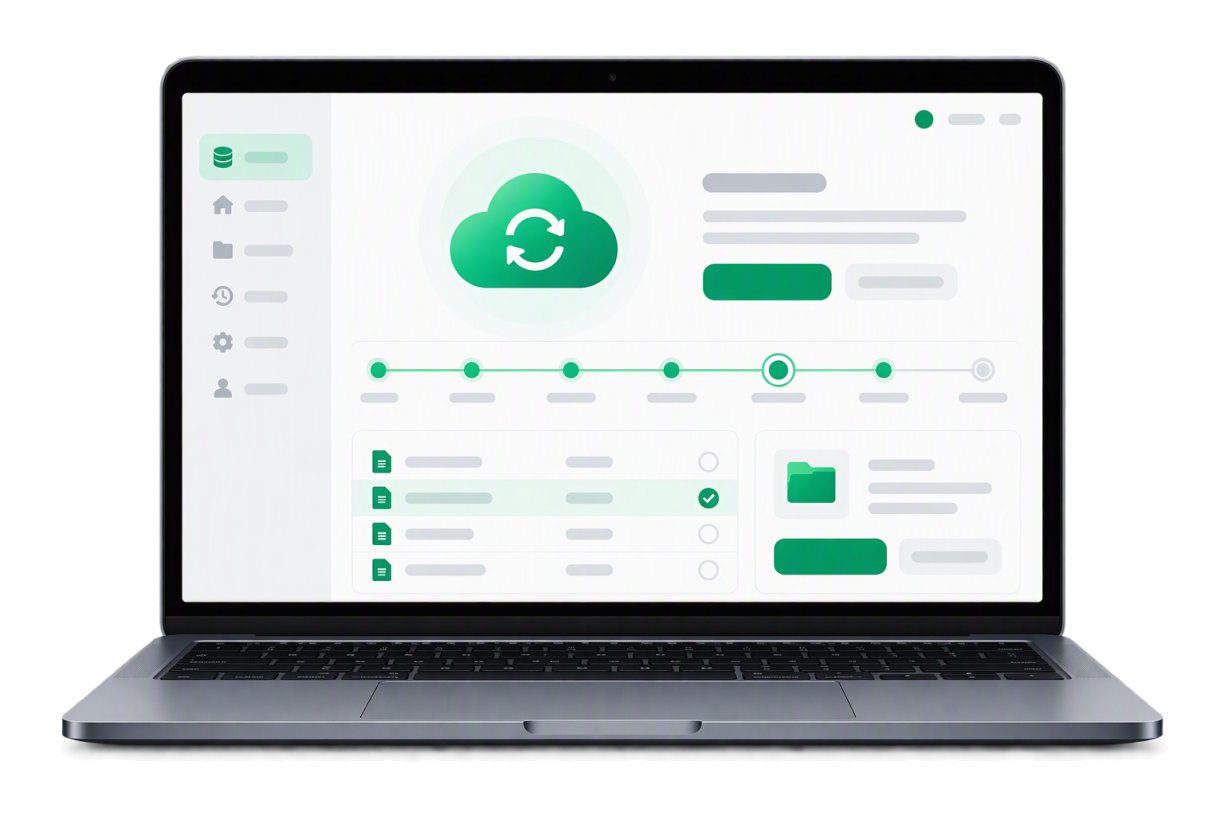
The dashboard

A timeline of everywhere you can go back to.

Every daily snapshot becomes a restore point. Roll the whole site back to one, or pull a single file out of it — from the same screen.

  • A restore point for every daySnapshots land daily and line up as a timeline, so "yesterday, before the update" is a place you can actually revisit.
  • Whole site or one fileRestore everything at once, or reach into a snapshot and pull back the one file or database table you actually need.
  • Kept away from your serverCopies live in separate cloud storage, so the backup survives whatever takes the site down.
A laptop showing a restore in progress: a cloud with a circular arrow, a timeline of dated restore points, and the file list being recovered

Backups, restores, and what your host already does.

Four questions about getting your files back.

Does my host not already back up my site?
Many hosts take server-wide snapshots for disaster recovery, but those are not built for restoring your individual site on demand. A dedicated backup product is what you use when something specific breaks.
How far back can I restore?
You keep a rolling set of recent snapshots sized to your plan. The retention window for each plan is listed on the storefront before you buy.
Will it slow my website down?
No. Backups run on a schedule and copy your data without adding noticeable load to the visitor experience.
Can I restore a single file?
Yes. You can restore the entire site, or reach in and pull back one file or one database table — which is usually what you actually want.

Lost a site before?

Set up backups before you need them

Everyone who has lost a website becomes a backup customer, usually a week too late. Set it up before the next plugin update.

A member of our customer care team.
Call us, 24/7 (480) 624-2500

Sales and technical support, day or night — the number is answered around the clock.